
About Foggify
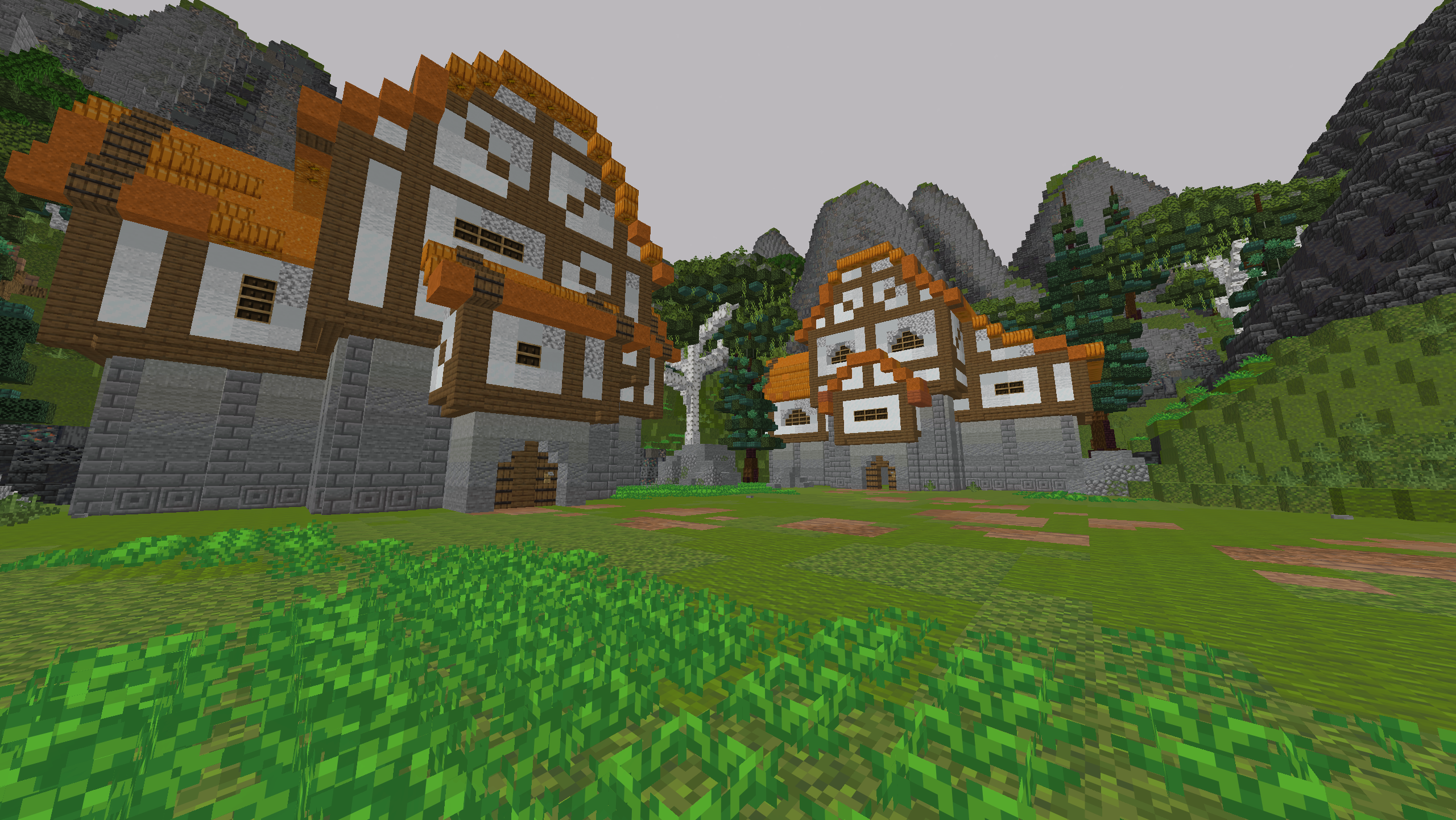
Foggify completely overhauls how Minecraft handles fog, atmospheric depth, and render falloff. It pushes fog start and end boundaries smoothly forward—eliminating the ugly sharp chunk clipping wall while keeping pristine FPS performance.
In Minecraft 26.2, Foggify directly integrates into Sodium's setupFog pipeline, delivering seamless rendering without shader bugs or conflicts.
Each biome features distinct morning, day, dusk, and nighttime color transitions, from eerie Nether hues to deep cave dampness.
Configure fog distances, multiplier curves, and Sun/Moon toggles live via ModMenu or hotkey.
Supported Minecraft Versions
Required & Recommended Dependencies
Click any dependency to open the official download page on Modrinth with the exact verified version.
Core hook library and essential game event APIs for the Fabric modding ecosystem.
Powers Foggify's clean in-game GUI settings screen, sliders, and color configuration.
Essential runtime utility library for Foggify and Zoomify systems on 26.2.
Cross-loader event management for client ticks and custom keybinding registration.
High-performance modern rendering engine. Foggify is 100% natively compatible with Sodium 26.2.
Standard core library for Fabric 1.21.11 instances.
Config screen provider for 1.21.11.
Supporting utility library for 1.21.11.
Cross-loader compatibility layer for 1.21.11.
Performance rendering optimization for 1.21.11.
Installation Instructions
- Open your Minecraft launcher (Prism Launcher, Modrinth App, CurseForge, or Official).
- Select your Minecraft 26.2 or 1.21.11 Fabric instance.
- Drop the downloaded
Foggify.jar into theminecraft/modsfolder. - Ensure Fabric API and the required dependencies are placed in the same mods folder.
- Launch the game and press F to open settings!
Community Comments & Reactions
Have questions, ideas, or feedback about Foggify? Leave a comment below!